music,音乐,
01Swipe up上滑
02Swipe right右滑
03Swipe left左滑
04Double tap双击
05Every format全部格式
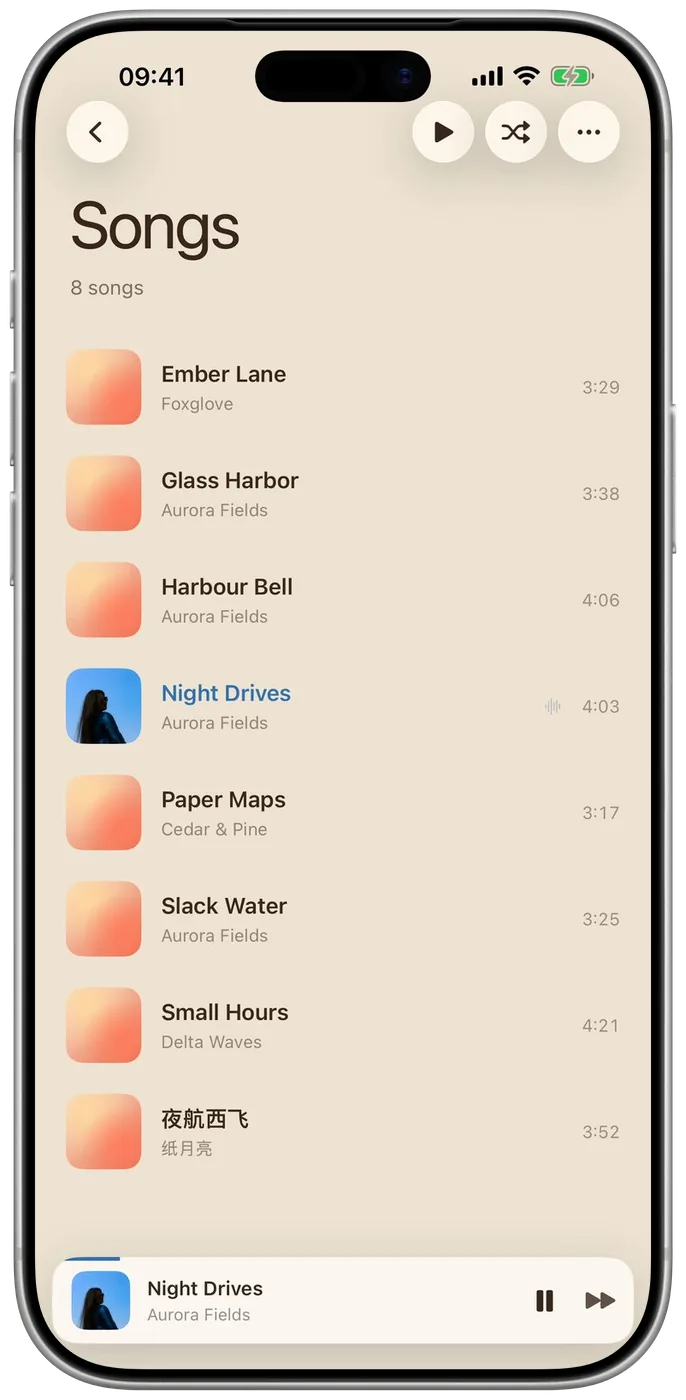
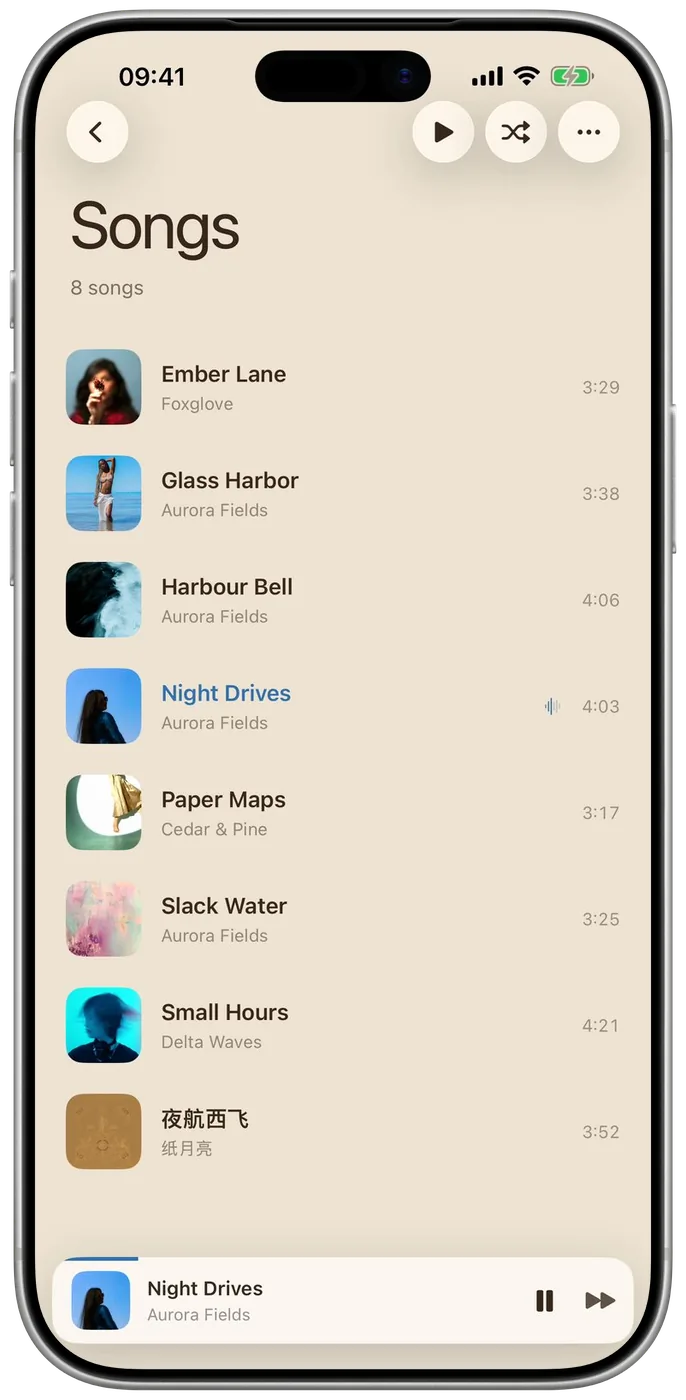
06Missing covers缺的封面
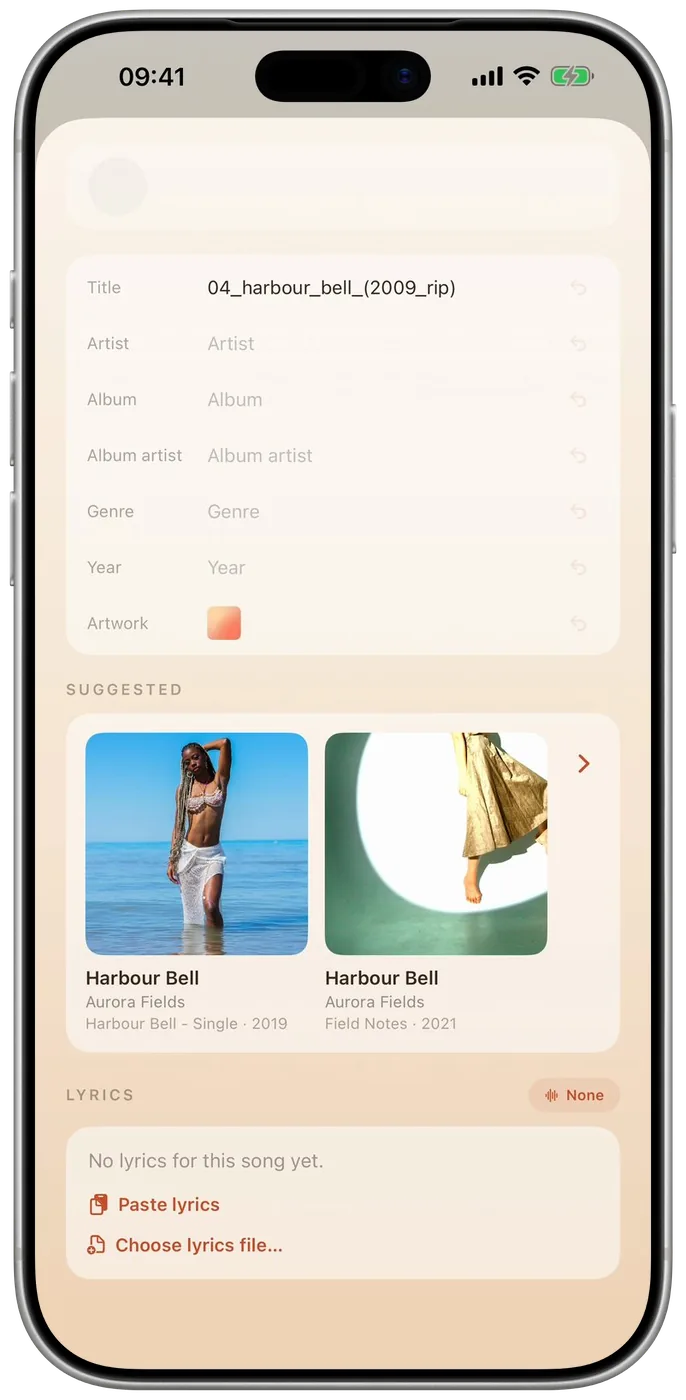
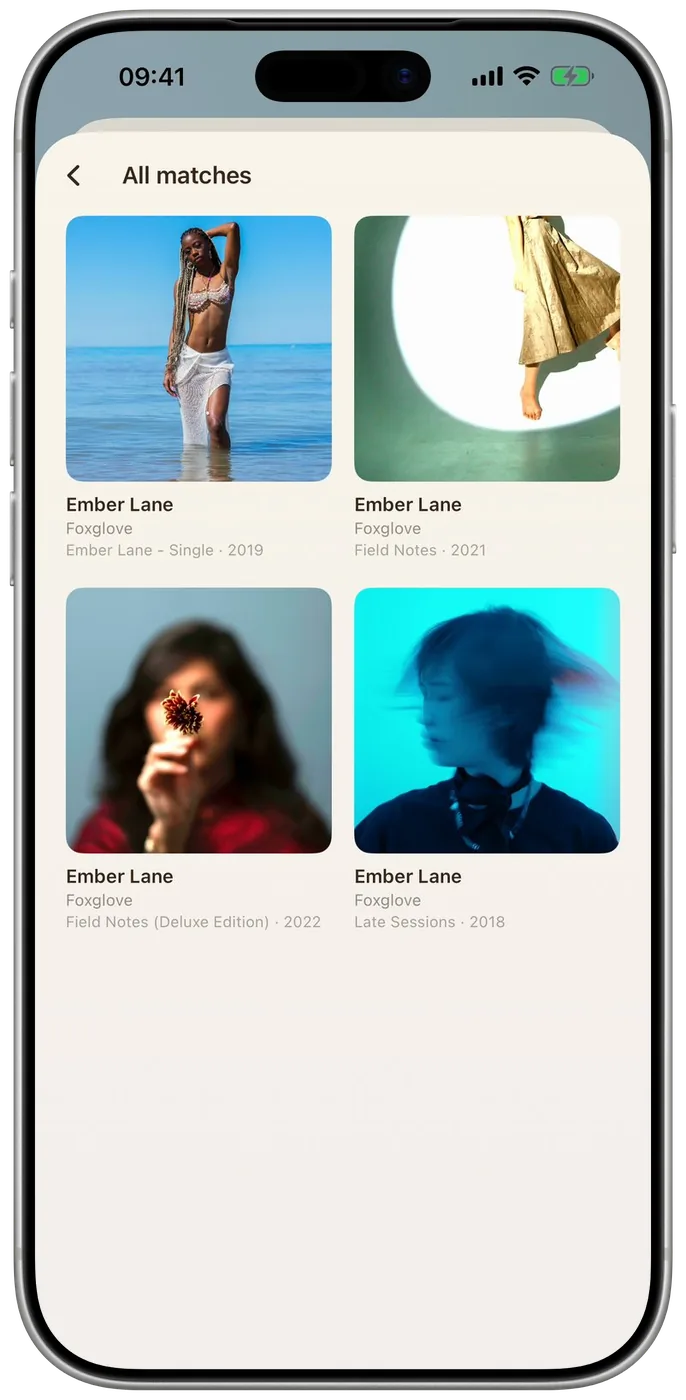
07Or pick或者自己挑
09On iPad在 iPad 上
08Pick a look挑一种样子
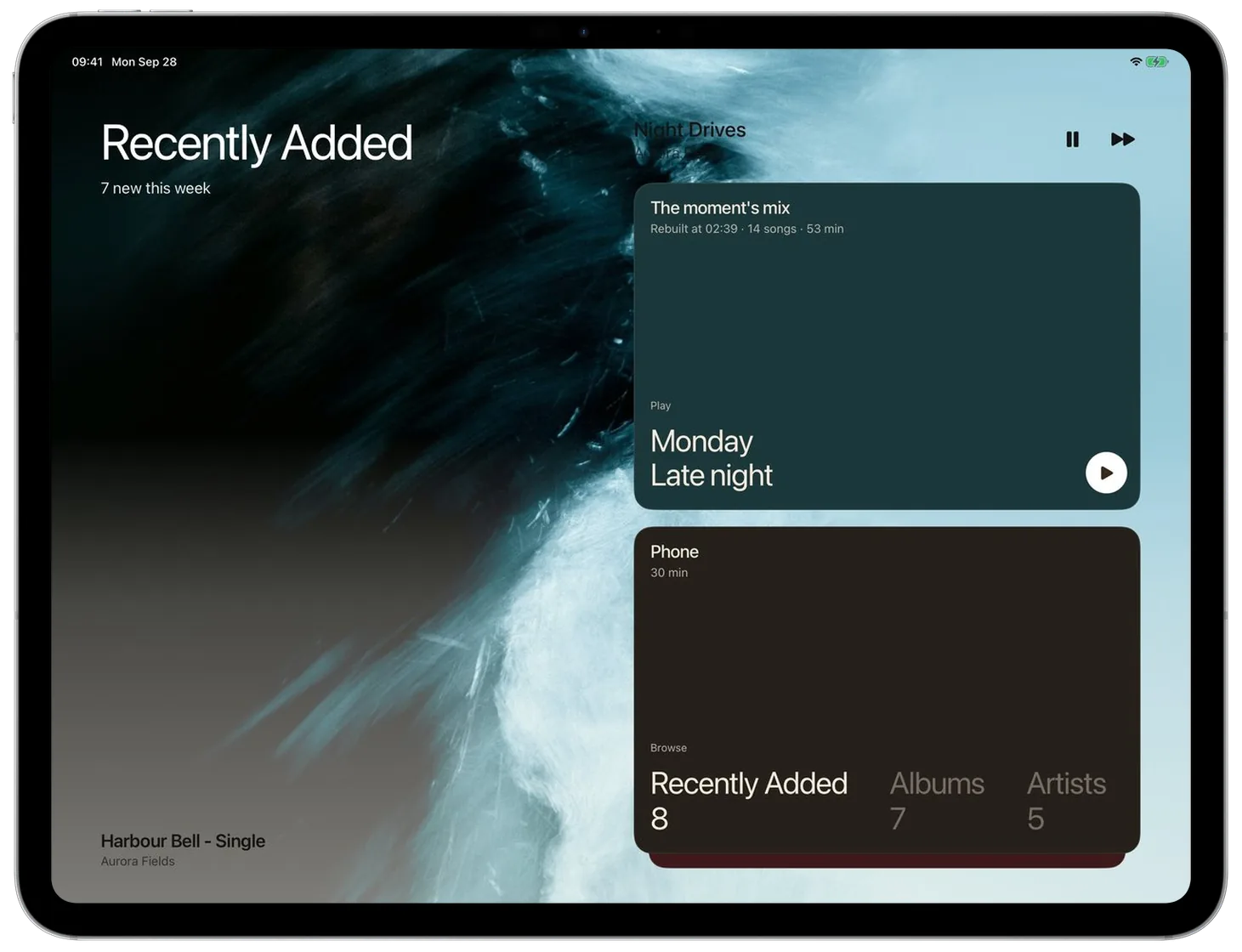
untethered.不受束缚。
for the next song下一首
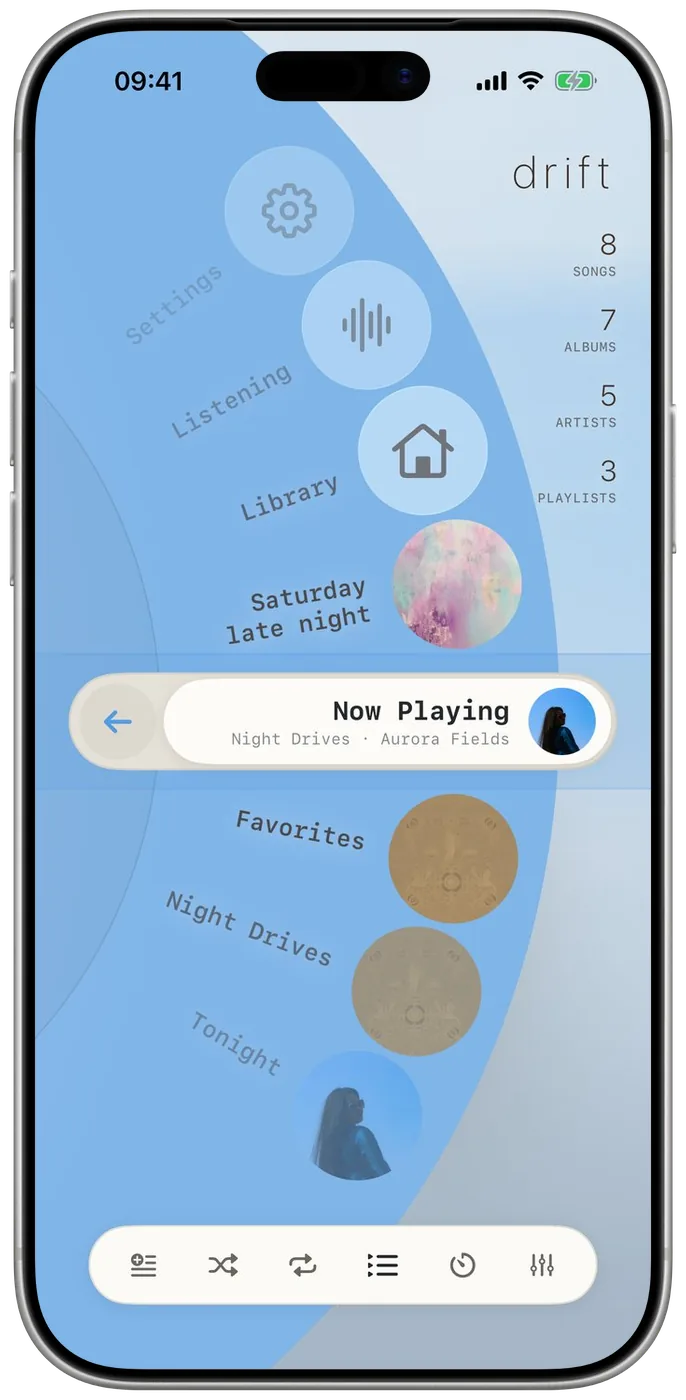
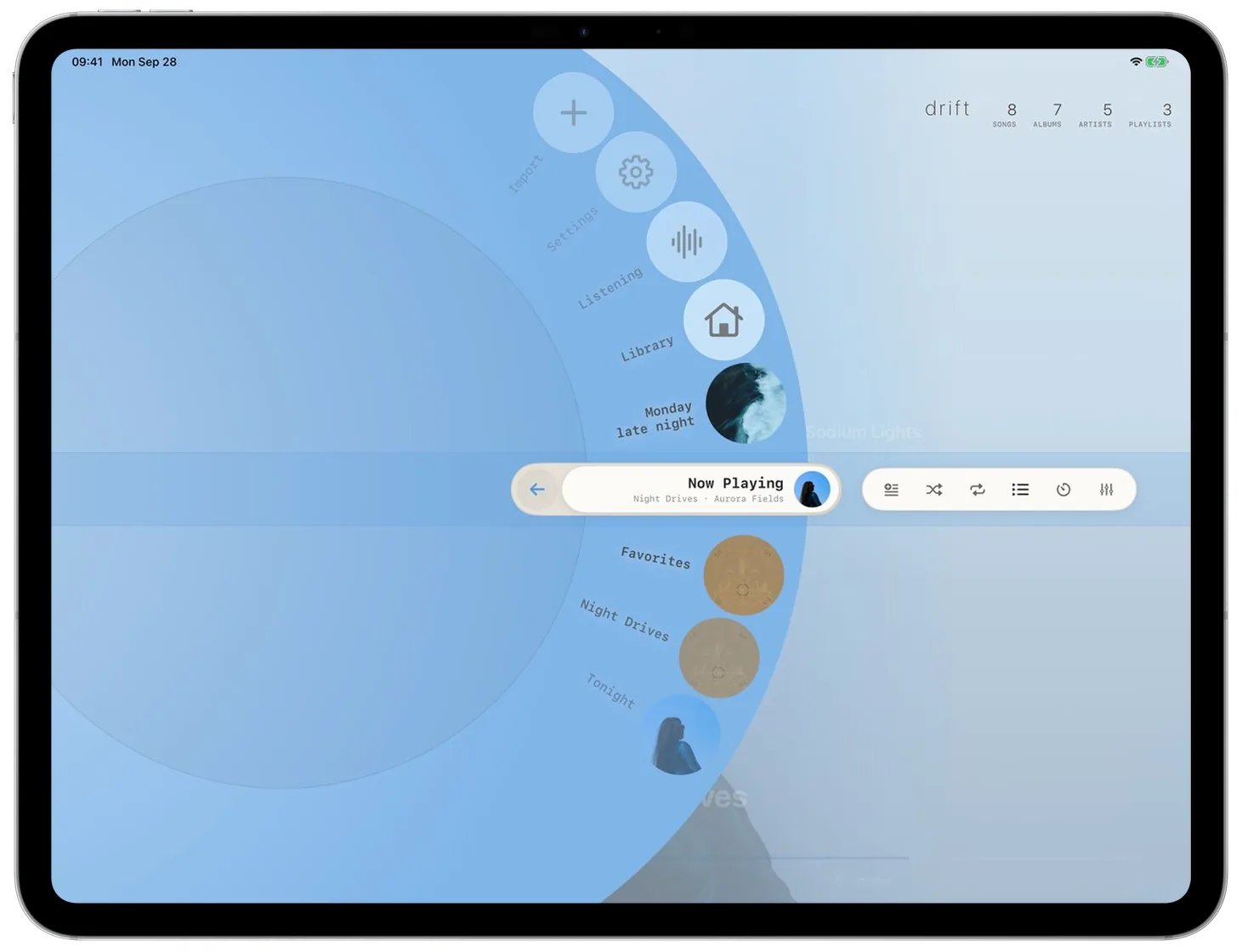
for your library打开曲库
for the wheel唤出转盘
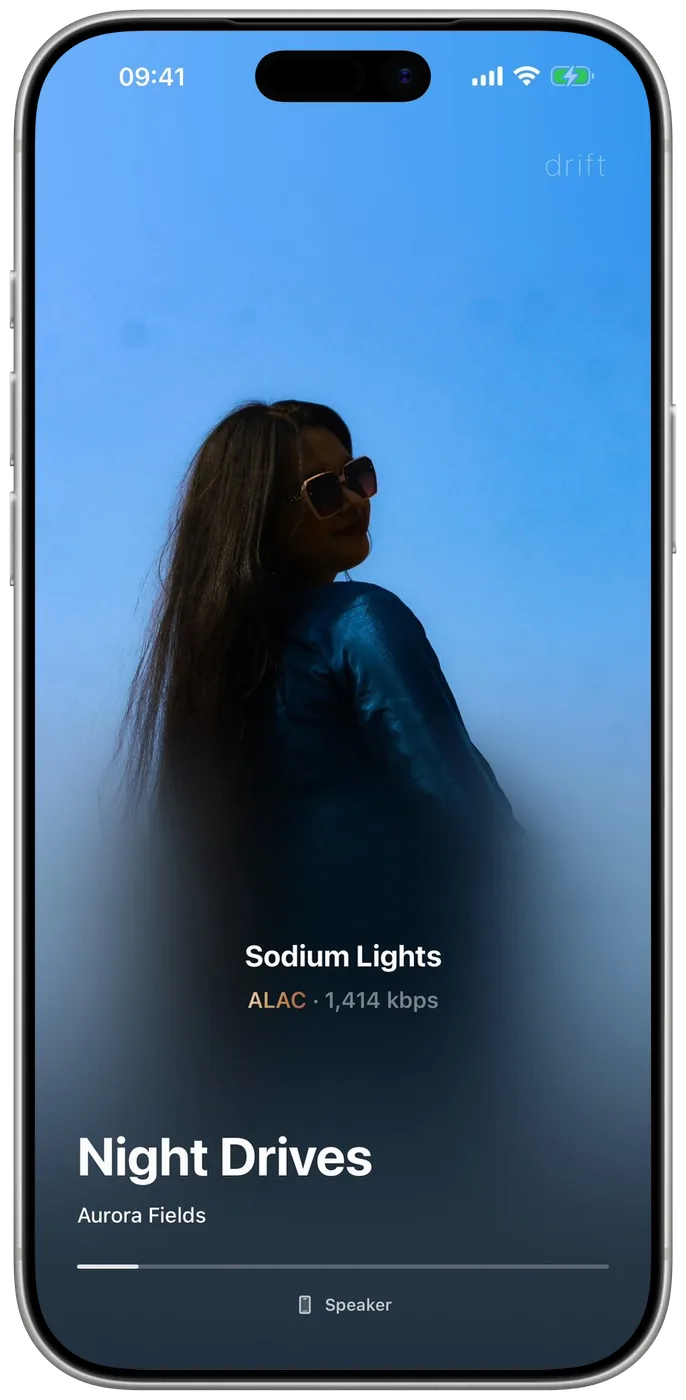
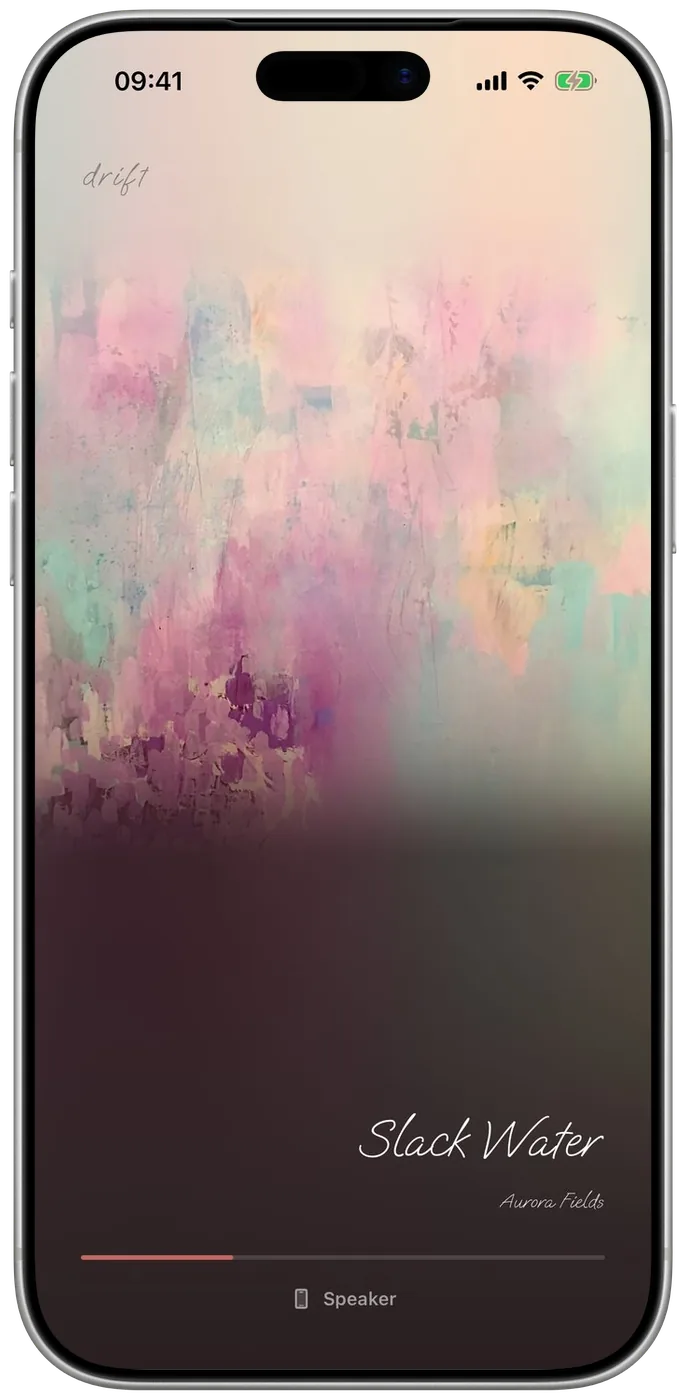
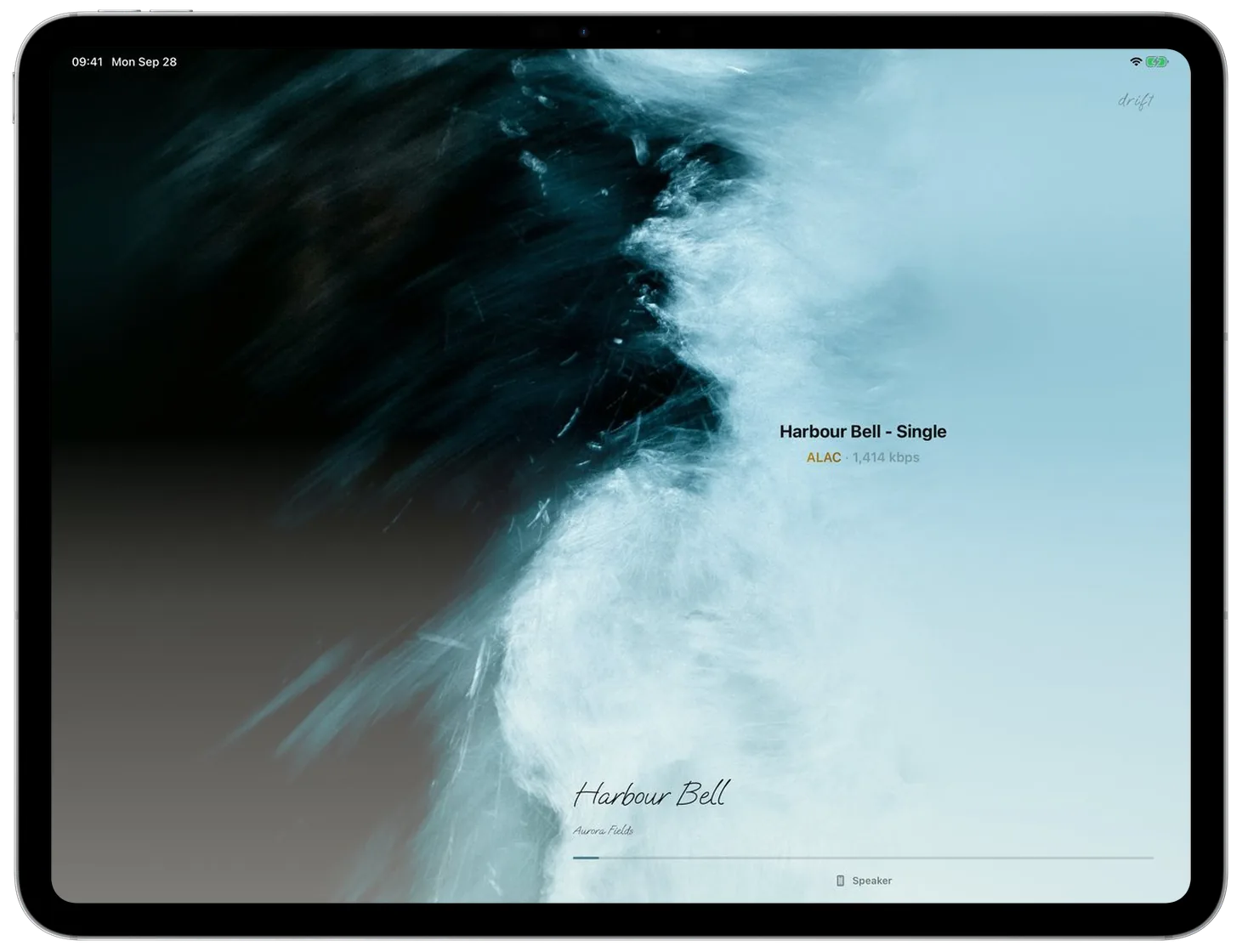
to fill the background让封面铺满背景
files untouched文件原样
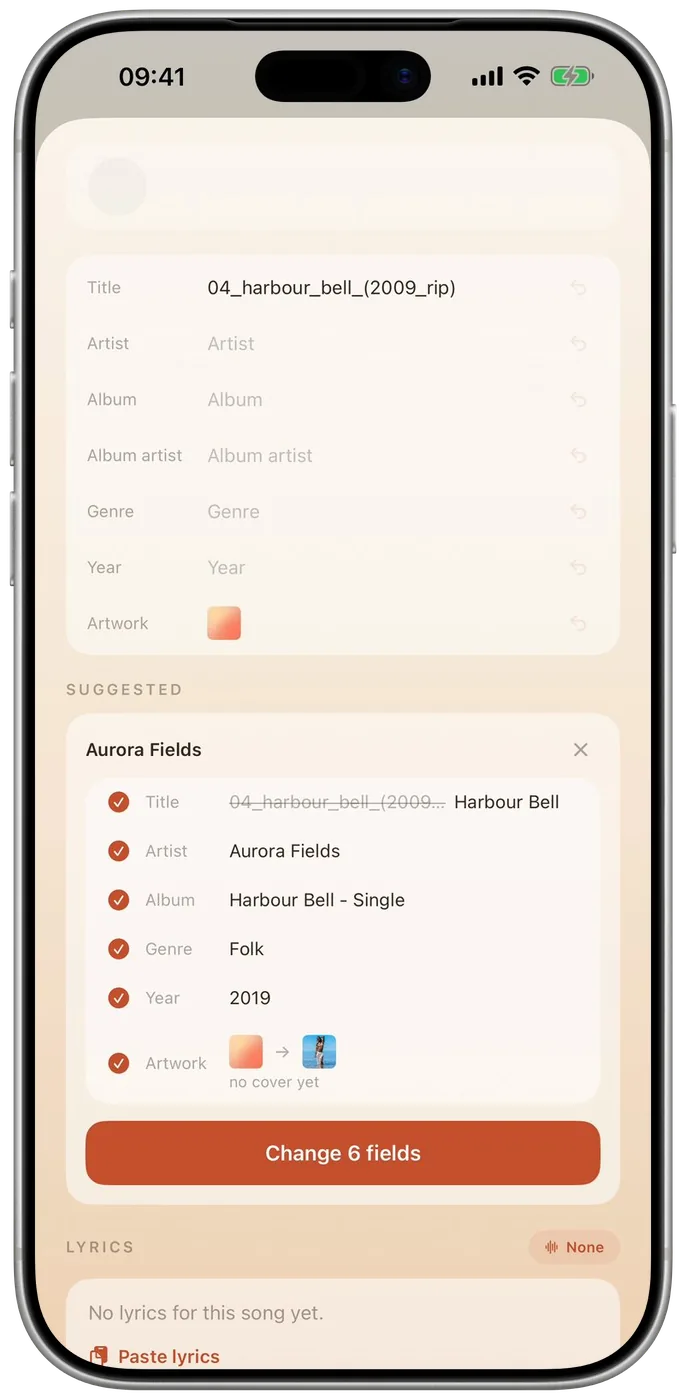
fixed for you自动补全
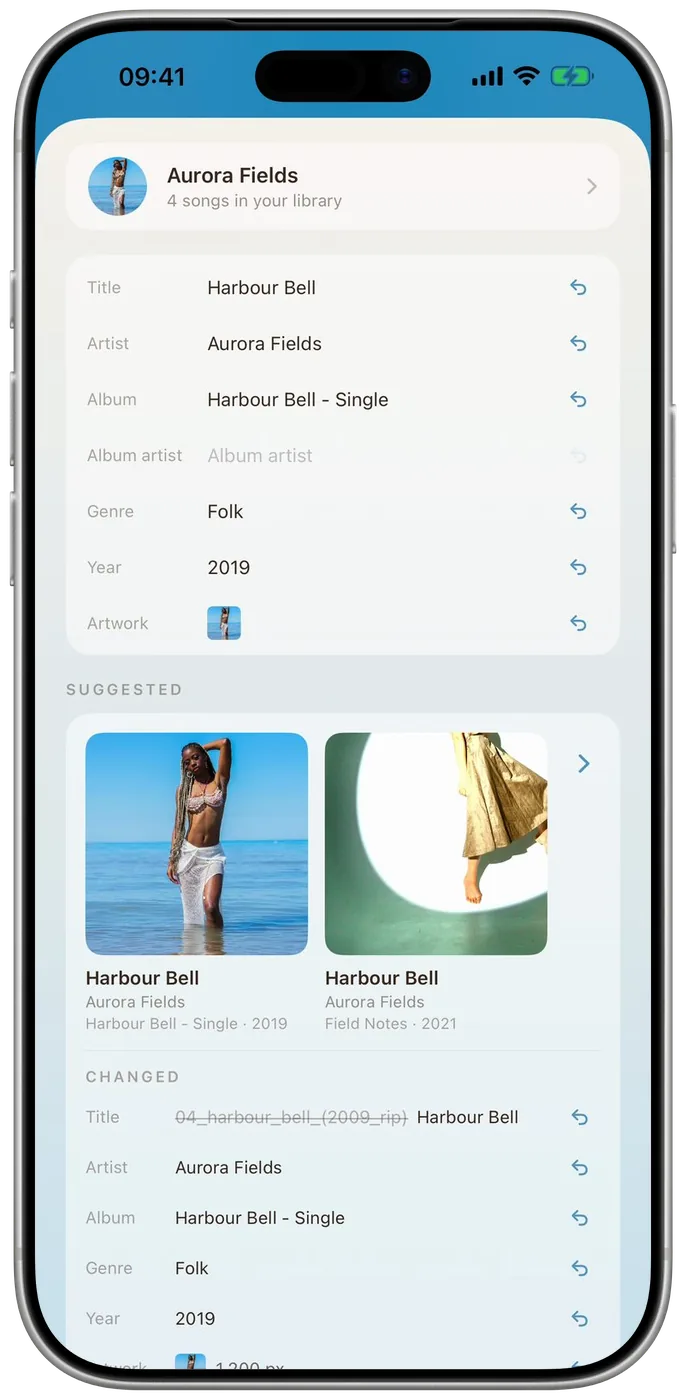
from the suggestions从建议里选
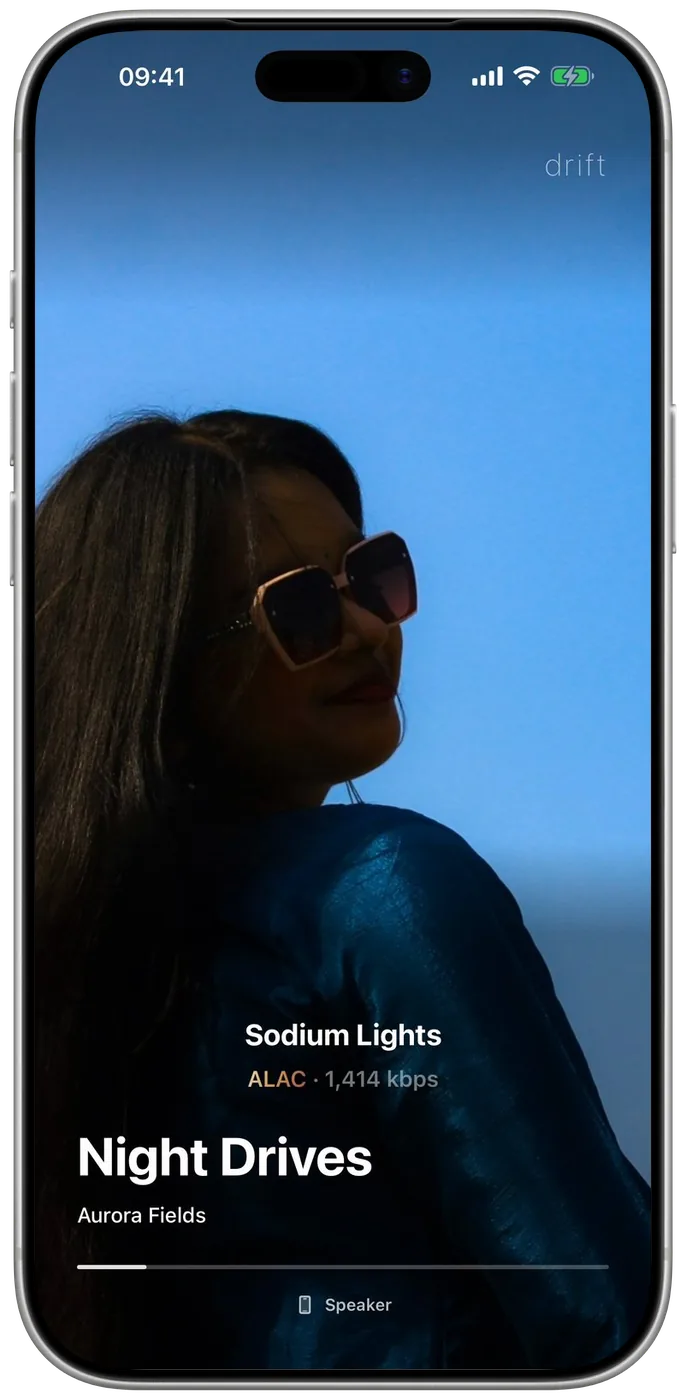
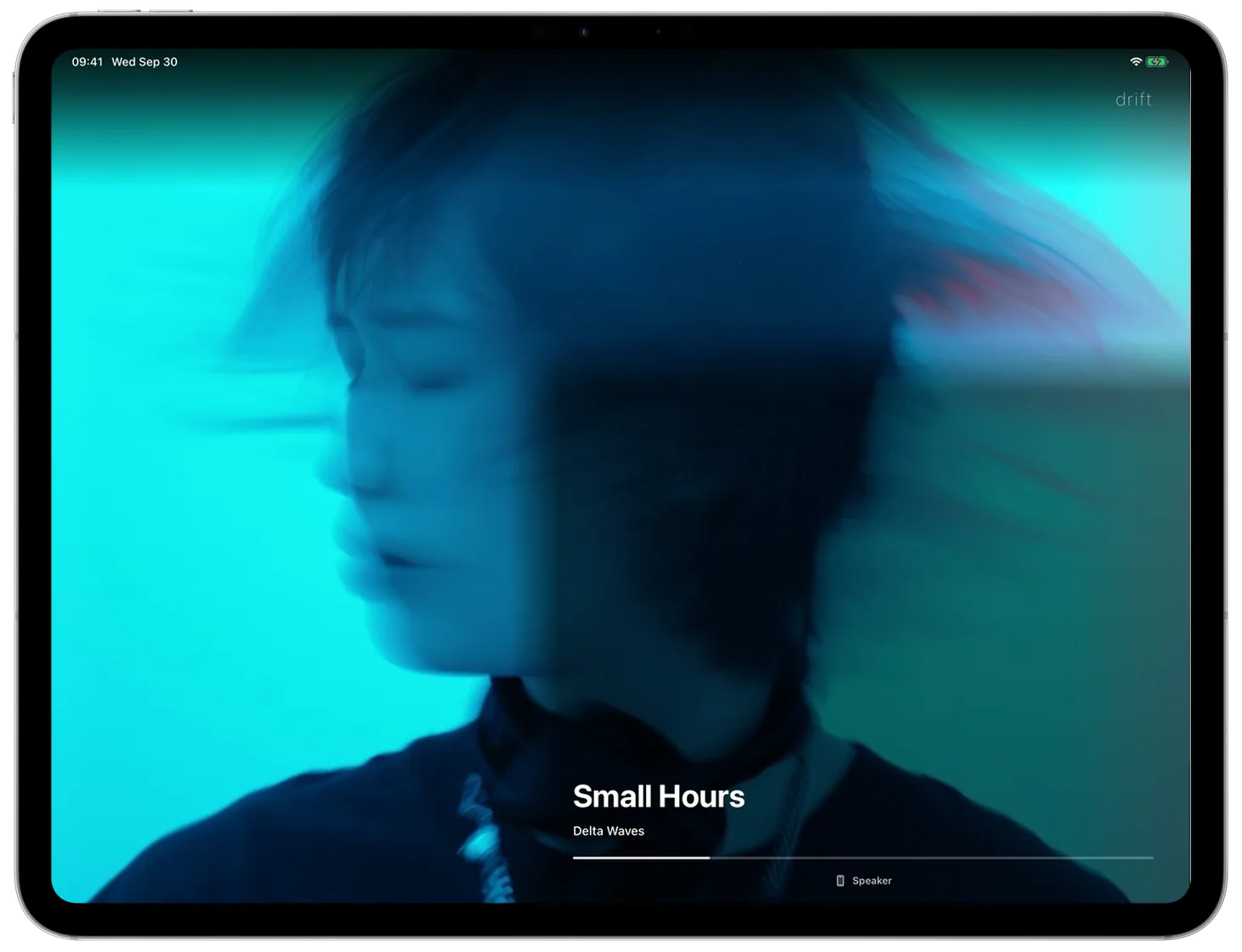
it fills the screen铺满整块屏幕
or make your own或者自己调
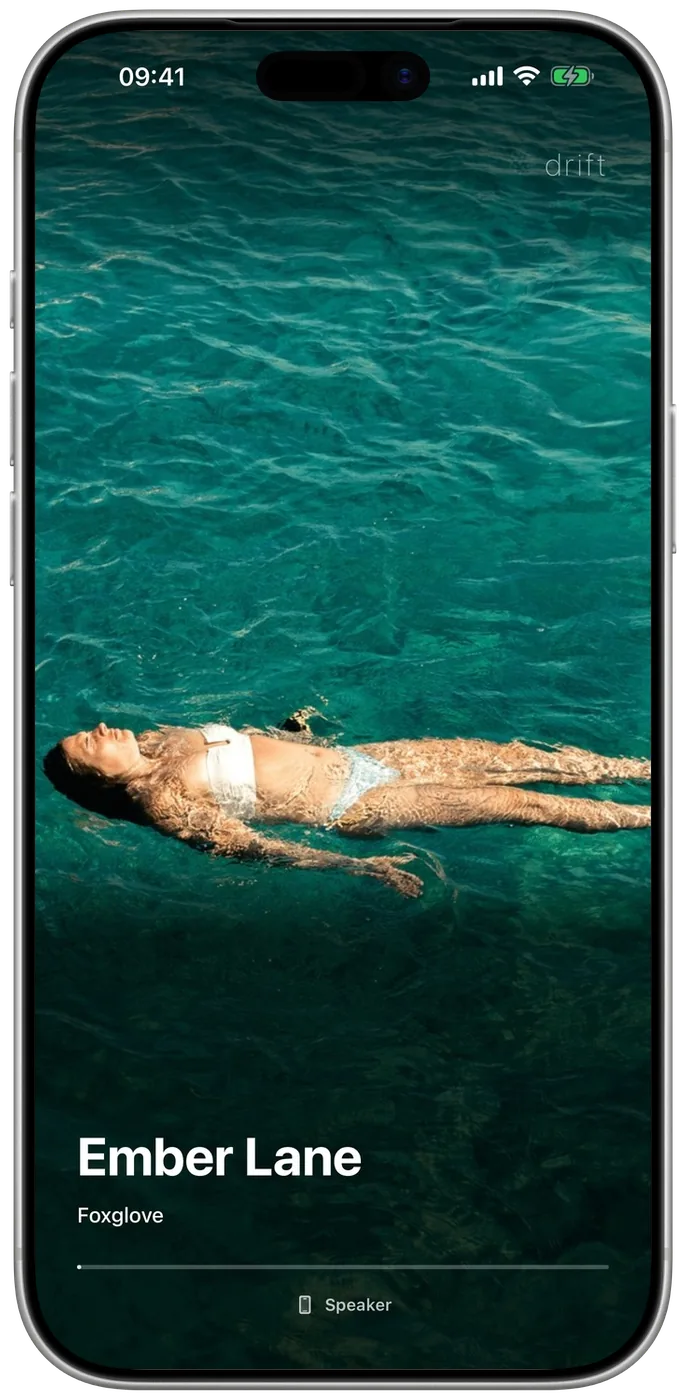
No buttons on the screen. Tap to pause. Your music is the interface.屏幕上没有按钮。轻点暂停。音乐本身就是界面。
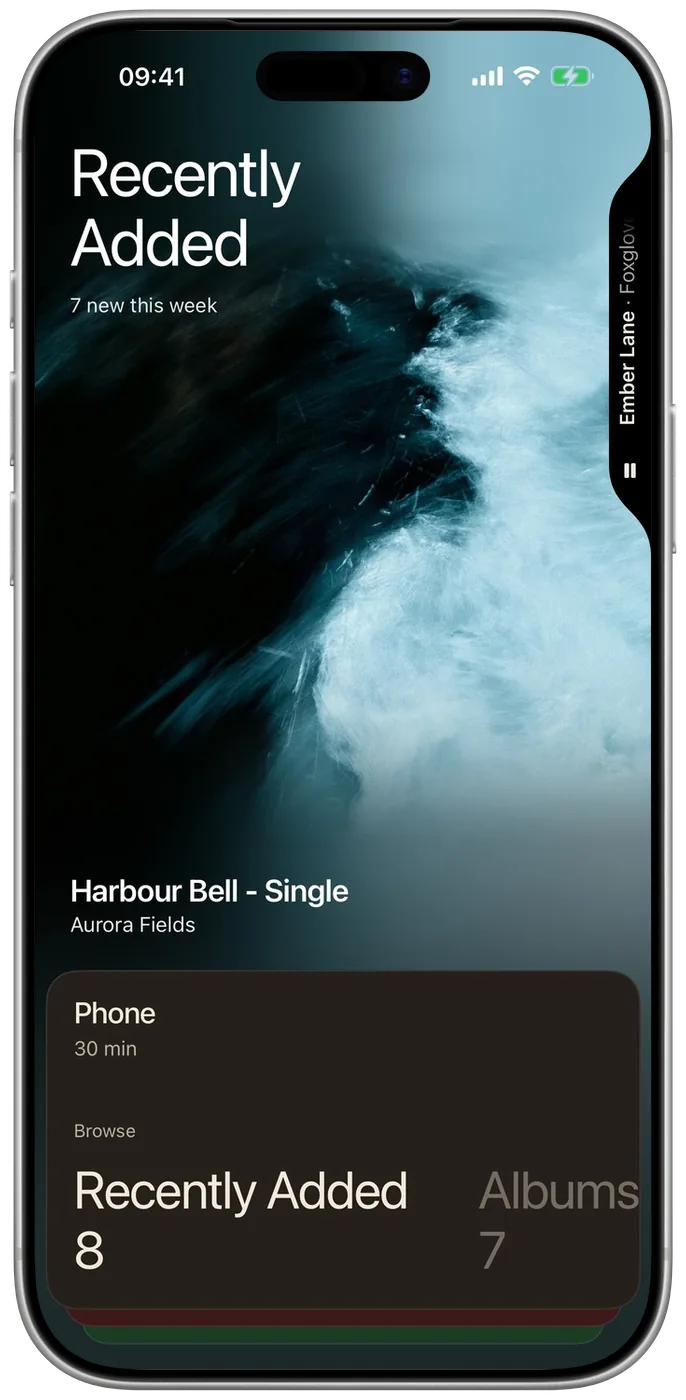
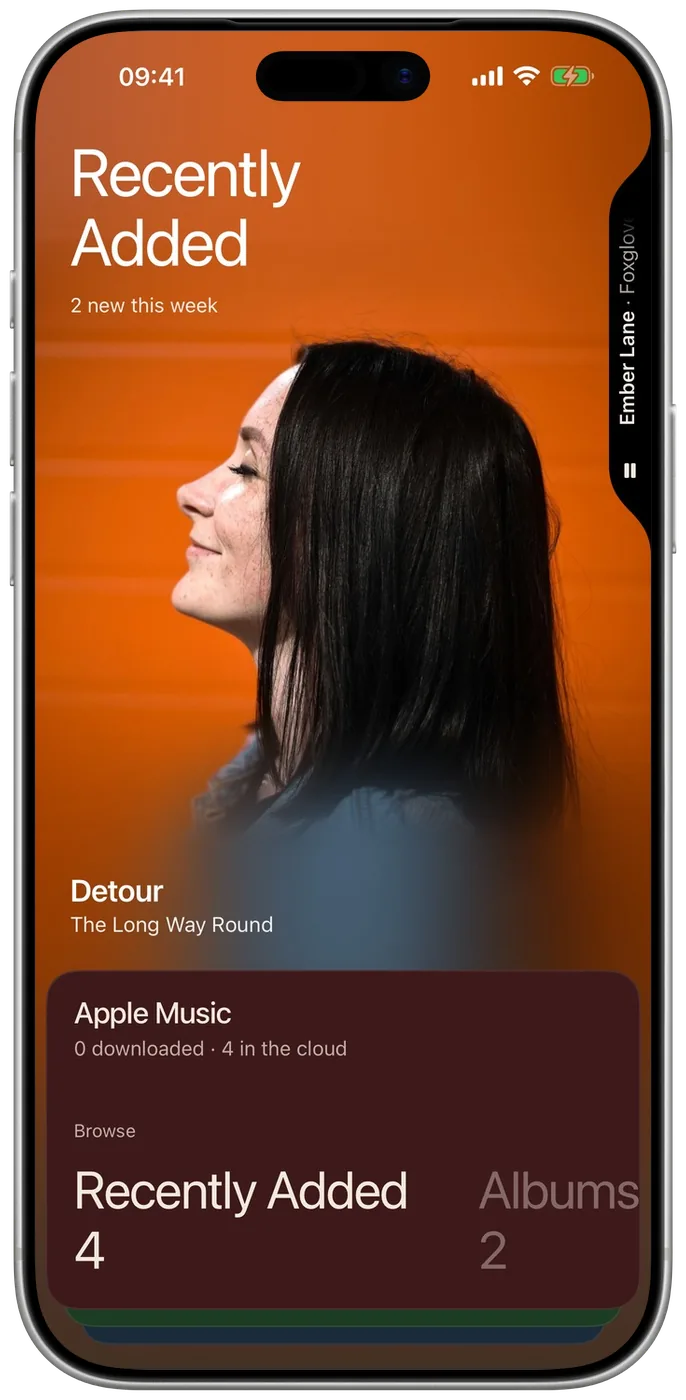
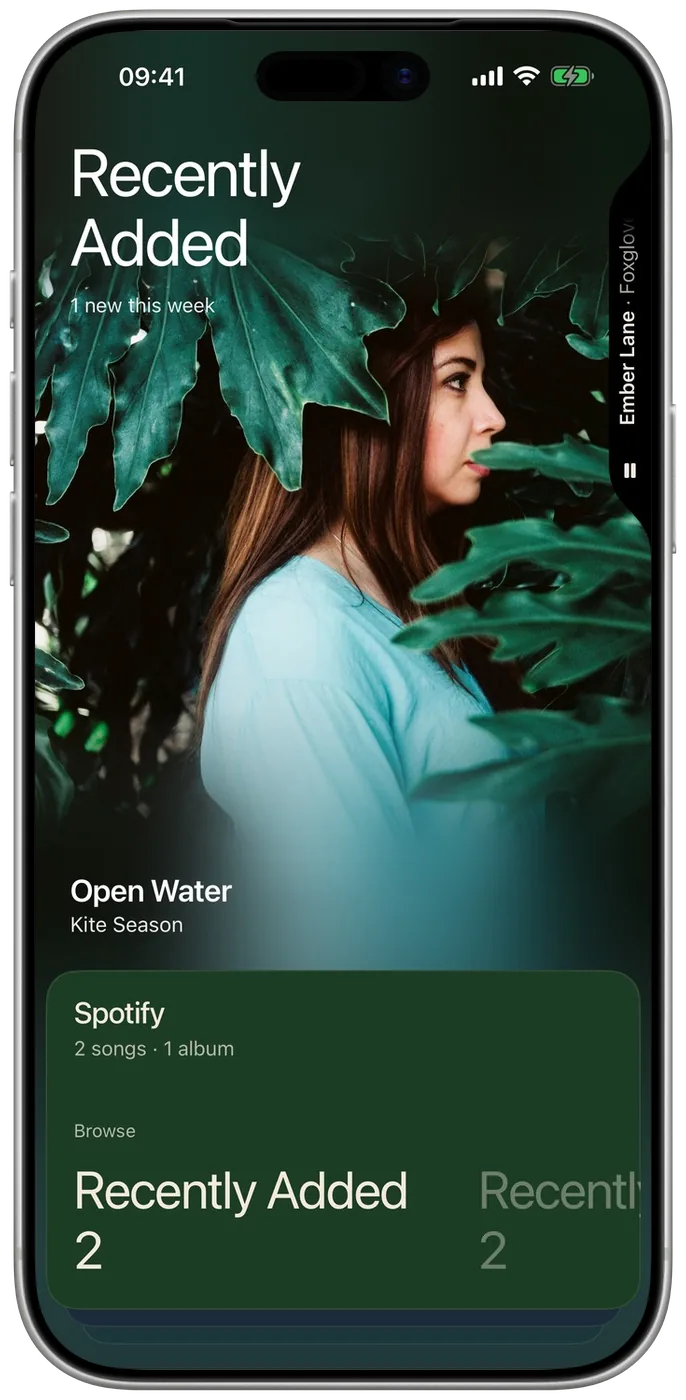
Apple Music and Spotify each get a card in their own colours, beside the phone, your servers and your drives. Navidrome, Subsonic, Jellyfin, Emby, Plex. SMB, WebDAV.Apple Music 与 Spotify 各有一张自己配色的卡片,与手机、服务器、网盘并排。Navidrome、Subsonic、Jellyfin、Emby、Plex。SMB、WebDAV。
Playlists, the library, the controls and Settings, under one thumb.歌单、曲库、控制与设置,一只拇指够得着。
The cover's colours, or the whole cover edge to edge. Tap twice to change your mind.用封面的颜色,或让整张封面铺满屏幕。双击即可切换。
MP3 · AAC · ALAC · FLAC · WAV · AIFF · OGG · Opus · Speex · WavPack · Musepack · APE · TTA · Shorten · MOD · S3M · XM · ITMP3 · AAC · ALAC · FLAC · WAV · AIFF · OGG · Opus · Speex · WavPack · Musepack · APE · TTA · Shorten · MOD · S3M · XM · IT
Covers, titles, artists and albums, matched as you play. Only a title and an artist are ever sent.封面、歌名、歌手与专辑,播放时自动匹配。只会发送歌名与歌手名。
Every match comes with its cover. Tap one, see what it would change, take all of it or some. Any change can be put back.每个匹配都带着封面摆出来。点一个,先看会改什么,全改或只改几项。每处改动都能还原。
Turned or upright, full screen or in a window.横着竖着都行,全屏或窗口都合身。
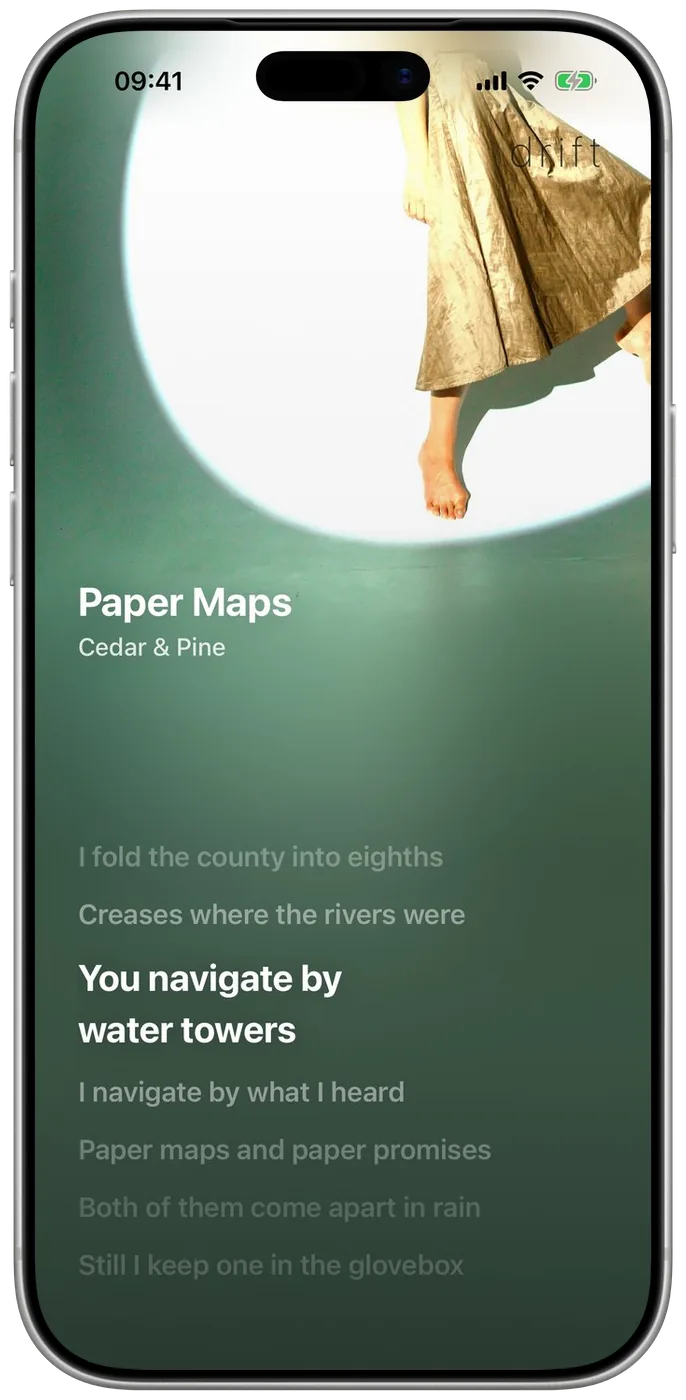
Title faces, the side the name sits on, backgrounds from the cover.标题字体、歌名在哪一侧、取自封面的背景。
Features功能
- Playback
- Every format natively, files untouched. Gapless, and AirPlay 2.
- Servers & drives
- Navidrome, Subsonic, Jellyfin and Emby, and Plex in beta. SMB and WebDAV drives play in place.
- Apple Music & Spotify
- Connected, in their own run — a catalog row never joins your library.
- CarPlay
- The same library as one list, in the wheel's order.
- Ten-band equalizer
- A graphic EQ with presets, and room to save your own.
- Garbled tags
- GBK, Big5 and Shift-JIS mojibake repaired in one tap.
- Smart playlists
- Rules, not a fixed list — current as the library changes.
- Mixes
- One for now, and a Daily 15. Worked out on the phone.
- Getting music in
- Wi-Fi from any browser, the Files app, or a folder that plays in place.
- Listening & backup
- Your play history, on the phone. Optional iCloud backup.
- 播放
- 全部格式原生播放,文件原样保留。无缝播放,支持 AirPlay 2。
- 服务器与网盘
- Navidrome、Subsonic、Jellyfin、Emby,以及 Plex(测试版)。SMB 与 WebDAV 网盘可直接播放。
- Apple Music 与 Spotify
- 可连接,各自独立——目录条目永远不会混进你的曲库。
- CarPlay
- 车里是同一个曲库,一条竖列,顺序与转盘一致。
- 十段均衡器
- 图形均衡器,内置预设,也可保存自己的。
- 乱码标签
- GBK、Big5、Shift-JIS 乱码一键还原。
- 智能歌单
- 存的是规则而非固定曲目,曲库变了它自己跟着变。
- 此刻歌单
- 为此刻生成,另有每日 15 首,全部在手机上算出。
- 导入音乐
- 浏览器 Wi-Fi 导入、「文件」App,或指定文件夹原地播放。
- 收听与备份
- 你的收听记录留在手机上,可选备份到 iCloud 云盘。
Questions常见问题
- Is there a subscription?
- No, and no account. Seven days of everything, then one purchase, once. Never a subscription. If you had Drift before the change, you keep what you had.
- Does it need an internet connection?
- No. Playback is fully offline. Drift goes online only for optional tag and artwork matching, and then sends just the title and artist.
- Can I play WavPack, APE or TTA on an iPhone?
- Yes — natively, no conversion, files untouched.
- How do I get music in without a cable?
- Wi-Fi import: drag files into any browser on your computer. Or mount an SMB drive and play straight from it.
- Does Drift work with my own music server?
- Yes. Navidrome, Subsonic, Jellyfin and Emby, and Plex in beta. Browse the whole catalog, stream on demand, download to keep offline.
- iPad or Android?
- iPhone and iPad today, iOS 17 or later. Android is planned.
- 有订阅吗?
- 没有,也不需要账号。7 天完整体验,之后一次买断,永不订阅。之前就有 Drift 的用户,保留原有的一切。
- 需要联网吗?
- 不需要,播放完全离线。只有使用可选的标签封面匹配时才联网,且只发送歌名和歌手名。
- iPhone 上能播 WavPack / APE / TTA 吗?
- 能。原生播放,不转码,文件原样保留。
- 不用数据线怎么导入?
- Wi-Fi 导入:在电脑浏览器里直接拖文件进来。也可以挂载 SMB 网络硬盘直接播放。
- 能连我自己的音乐服务器吗?
- 能。Navidrome、Subsonic、Jellyfin、Emby,以及 Plex(测试版)。浏览完整曲库、即点即播、下载离线保存。
- 大陆区能下载吗?
- 暂未上架,可用外区(美/港/台/新)Apple ID 下载,购买记录跟随该 Apple ID 永久有效。
- 有 iPad 或安卓版吗?
- 目前支持 iPhone 与 iPad,需要 iOS 17 或更高版本。安卓版在计划中。
Privacy隐私
No account, no analytics, no advertising, no trackers, and no servers of ours — your files and your listening history stay on your device, unless you connect a scrobbler yourself.
Optional tag and artwork matching sends only a title and artist to open catalogs (iTunes Search API, MusicBrainz, Cover Art Archive). Never audio. Purchases are handled entirely by Apple; we never see payment details.
没有账号、没有统计、没有广告、没有追踪器,我们也没有服务器——你的文件与收听记录只留在你的设备上,除非你自己连接了 Last.fm 或 ListenBrainz。
可选的标签/封面匹配只向开放目录(iTunes Search API、MusicBrainz、Cover Art Archive)发送歌名与歌手名,绝不上传音频。购买完全由 Apple 处理,我们接触不到任何支付信息。